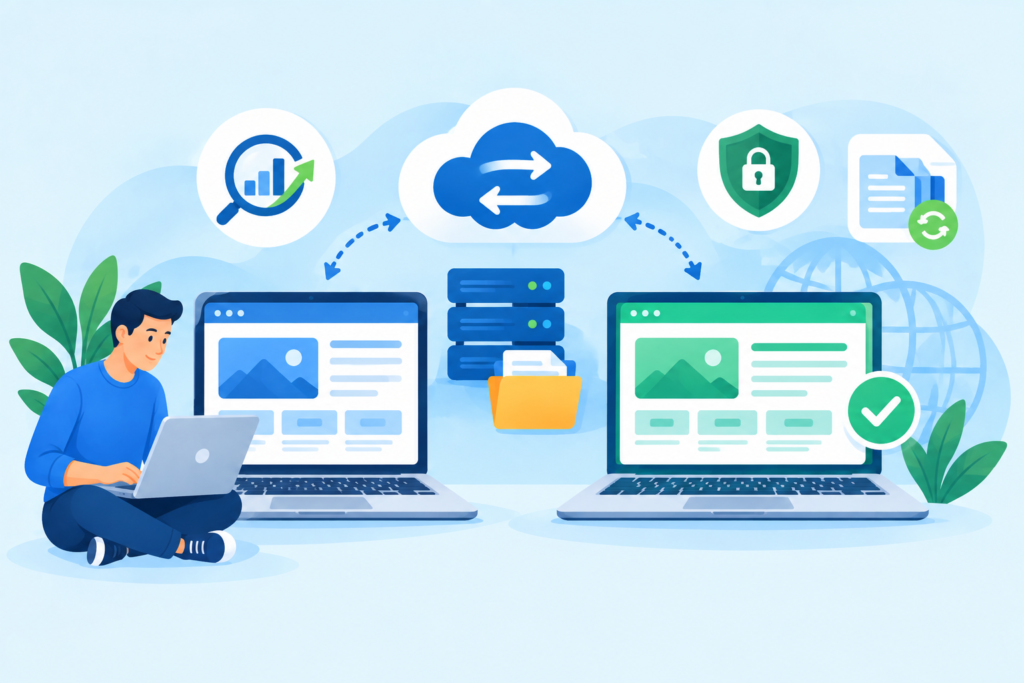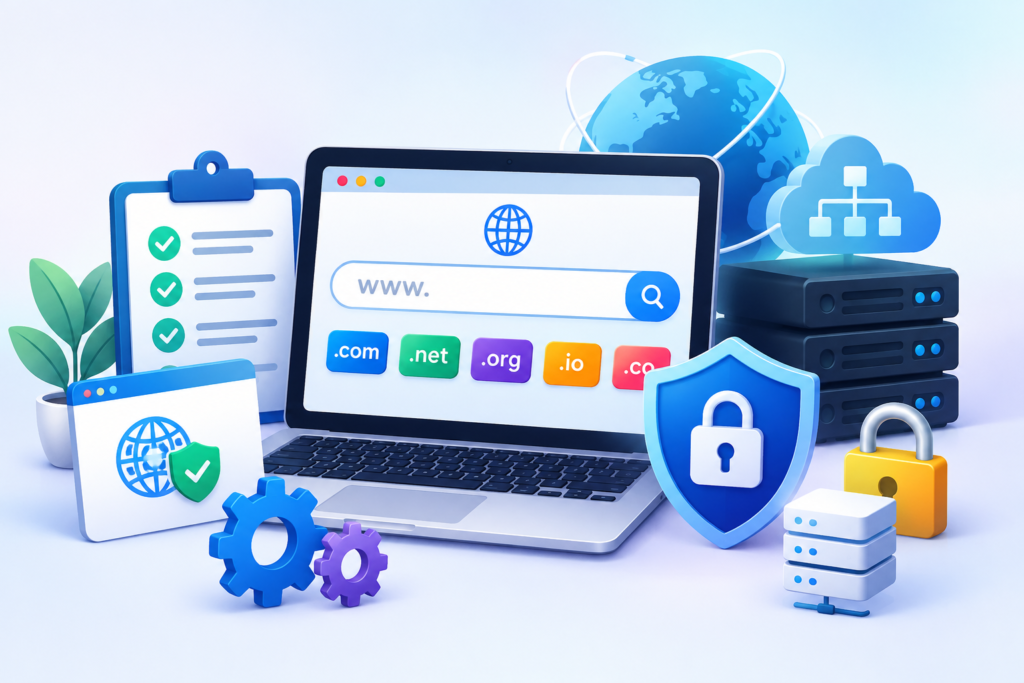
Migrating a website or domain is a critical process that requires precision, planning, and security checks to ensure zero downtime, maintain search rankings, and protect sensitive data. Whether you’re moving to a new hosting provider, rebranding, or consolidating websites, a Website and Domain Migration Check can be the difference between a smooth transition and a disaster.
At FixHackedSite, we specialize in secure, error-free migrations for businesses that can’t afford disruptions. This guide will walk you through every essential step, best practices, and security measures needed for a safe and efficient migration.
Introduction to Website and Domain Migration
Website and domain migration is more than just moving files from one place to another. It’s a strategic process involving:
- Domain transfer from one registrar to another.
Domain transfer from one registrar to another is the process of moving your website’s domain name registration from your current domain registrar to a new one. Businesses often do this for better pricing, improved customer support, or access to advanced domain management features. The process typically involves unlocking the domain, obtaining an authorization code, and completing the transfer request with the new registrar.
- Website relocation from one server or hosting provider to another.
Website relocation from one server or hosting provider to another involves moving all website files, databases, and configurations to a new hosting environment. This may be done to improve site performance, reliability, or security. Careful planning is required to prevent downtime, data loss, or broken features during the transition.
- Platform changes, such as shifting from WordPress to another CMS.
Platform changes, such as shifting from WordPress to another CMS (Content Management System), involve migrating all website content, design, and functionality to a new platform. Businesses make this switch for reasons like better scalability, enhanced features, improved security, or a more user-friendly interface. Proper migration ensures content integrity, SEO preservation, and minimal disruption to users.
- URL structure modifications to improve SEO or branding.
URL structure modifications to improve SEO or branding mean changing how your website’s web addresses are formatted. This could involve making URLs shorter, adding keywords, or creating a more logical hierarchy for better user experience and search engine understanding. When done correctly with proper redirects, URL restructuring can enhance both rankings and brand perception.
Example scenario: If your website has been hacked or your current hosting is unreliable, migrating is not just an upgrade — it’s a security necessity.
Why Migration Checks Are Crucial
Without a proper migration check, you risk:
- Data loss during transfer.
Data loss during transfer occurs when files, databases, or other important website assets are accidentally deleted, corrupted, or left behind during migration. This can result from incomplete backups, transfer errors, or compatibility issues between hosting environments. Preventing data loss requires creating full backups before the move and verifying all content after the migration.
- SEO ranking drops due to broken links.
SEO ranking drops due to broken links happen when URLs change during migration without proper redirects in place. Search engines may not be able to find certain pages, leading to a loss of indexing and reduced rankings. Implementing 301 redirects and updating internal links ensures that both users and search engines can still access the intended pages.
- Downtime that affects visitors and revenue.
Downtime that affects visitors and revenue refers to periods when your website is unavailable to users during migration. Even short interruptions can frustrate visitors, harm brand reputation, and cause lost sales or leads. To minimize downtime, migrations should be scheduled during off-peak hours and tested in a staging environment before going live.
- Security vulnerabilities during the transition.
Security vulnerabilities during the transition can arise if sensitive data is exposed or if the migration process bypasses normal security protocols. For example, transferring files over unsecured connections or disabling security features temporarily can leave your site open to cyberattacks. Using secure transfer methods, keeping all software up to date, and monitoring for suspicious activity can help maintain security during the move.
A Website and Domain Migration Check ensures:
- File integrity – All your data moves intact.
File integrity means ensuring that every file, database, image, and piece of website content is transferred completely and without corruption during migration. This guarantees that your site functions exactly as it did before the move, with no missing data or damaged files. Verifying file integrity typically involves performing pre- and post-migration checks to confirm that all assets match the originals.
- Link consistency – No 404 errors or broken redirects.
Link consistency ensures that all internal and external links on your website continue to work after migration, preventing visitors from encountering 404 errors or broken redirects. Maintaining link consistency often requires setting up 301 redirects, updating URLs in the site structure, and checking navigation menus, sitemaps, and embedded links to keep the user experience seamless.
- Search ranking preservation – SEO is maintained.
Search ranking preservation is the practice of protecting your existing SEO performance during a website move. This includes maintaining the same URL structure when possible, setting up proper redirects, retaining metadata, and ensuring that search engines can still crawl and index all important pages. Preserving rankings prevents traffic loss and protects your visibility in search results.
- Security protocols – Prevents hackers from exploiting migration windows.
Security protocols during migration are measures put in place to protect your website from cyberattacks while it’s being transferred. Migration periods can create temporary vulnerabilities that hackers may exploit. Implementing secure file transfer methods, enabling SSL, using strong authentication, and monitoring for suspicious activity ensures that your site remains safe throughout the process.
Pre-Migration Planning: The Foundation of Success
Before you even start the migration process, preparation is key. Here’s what you must do:
- Audit your existing website – Identify outdated plugins, vulnerable scripts, and unnecessary files.
Auditing your existing website involves conducting a thorough review to identify elements that could cause issues during migration. This includes outdated plugins that may no longer be supported, vulnerable scripts that could be exploited by hackers, and unnecessary files that add clutter and slow down your site. Addressing these issues before migration helps ensure a smoother transfer and reduces potential post-migration problems.
- Backup everything – Always have a full backup stored securely.
 Backing up everything means creating a complete copy of your website, including files, databases, emails, and configurations, before starting the migration process. This backup should be stored securely in multiple locations, such as on a local drive and in cloud storage. Having a backup ensures that you can quickly restore your site to its original state if anything goes wrong during the move.
- Create a migration checklist – This includes hosting details, DNS settings, and SSL certificate info.
Creating a migration checklist involves documenting every step and detail needed for a successful transfer. This includes hosting account credentials, DNS settings for pointing your domain to the new server, and SSL certificate information to maintain secure connections. A detailed checklist reduces the risk of missing critical steps and helps keep the migration process organized.
- Test the new hosting environment – Check speed, compatibility, and security features.
Testing the new hosting environment ensures that your website will perform optimally after migration. This means checking server speed to guarantee fast loading times, confirming that all site features are compatible with the new environment, and reviewing security settings to protect against potential threats. Testing beforehand prevents unpleasant surprises after going live.
Pro tip: Never start migration during your peak traffic hours.
Comprehensive Website Backup and Recovery Plan
A migration without a backup plan is like skydiving without a parachute.
Key steps in backup preparation:
- Full site backup – Including databases, media files, and configurations.
Full site backup involves creating a complete copy of your entire website, including databases, media files, theme files, scripts, and configuration settings. This type of backup ensures that every component of your site can be restored exactly as it was before migration or in case of data loss, making it the most comprehensive form of protection.
- Incremental backups – Useful for large websites that change frequently.
Incremental backups are backups that only save the changes made since the last backup, rather than copying the entire site each time. This approach is especially useful for large websites that update frequently, as it reduces storage requirements and speeds up the backup process while still ensuring up-to-date protection.
- Off-site storage – Store backups in secure cloud storage.
Off-site storage means saving your backups in a secure location separate from your primary hosting server, such as a cloud storage service or an external hard drive. This ensures that your backups remain safe even if your main server experiences hardware failure, hacking, or data corruption.
- Recovery test – Ensure backups can be restored without errors.
Recovery testing involves regularly restoring your backups in a test environment to confirm they work properly. This process ensures that the backup files are not corrupted and that your website can be brought back online quickly and without errors in the event of a problem. Regular testing helps avoid surprises during a real emergency.
Keyword insight: “Website backup for migration,” “secure site transfer,” and “restore website after migration” can attract organic search traffic.
SEO Considerations During Migration
SEO is often the first casualty of a poorly managed migration. To avoid search ranking disasters:
- Set up 301 redirects for old URLs.
Setting up 301 redirects for old URLs ensures that visitors and search engines are automatically sent from outdated or changed web addresses to the correct new ones. This preserves SEO value by transferring most of the old page’s authority to the new page, prevents broken links, and maintains a seamless user experience during and after migration.
- Update the XML sitemap and submit to Google Search Console.
Updating the XML sitemap and submitting it to Google Search Console helps search engines discover and index your updated site structure quickly. The XML sitemap should reflect any new URLs, removed pages, or structural changes. Submitting it directly to Google ensures that the search engine processes your changes faster, reducing the risk of ranking drops.
- Preserve meta tags, alt text, and schema markup.
Preserving meta tags, alt text, and schema markup during migration is essential for maintaining your SEO performance. Meta titles and descriptions influence click-through rates, alt text improves accessibility and image SEO, and schema markup enhances your listings with rich snippets. Keeping these elements intact ensures that your site retains its search visibility and user engagement features.
- Monitor keyword rankings before and after migration.
Monitoring keyword rankings before and after migration allows you to track the impact of the move on your SEO performance. By comparing rankings for your target keywords, you can quickly identify if any pages have lost visibility and take corrective actions, such as fixing broken redirects or optimizing content, to recover lost positions.
Example: If you migrate to a new domain without proper redirects, Google will treat it as a completely different site — costing you months or years of SEO progress.
Security Checks Before Migration
Migration is a prime opportunity for hackers to exploit vulnerabilities. Before moving:
- Scan for malware – Use advanced scanning tools.
Scanning for malware involves running advanced security tools to detect any malicious code, infected files, or suspicious activities on your website before migration. This ensures that you don’t accidentally transfer security threats to your new hosting environment. Regular malware scans help maintain a clean site and protect your visitors from potential cyberattacks.
- Update all software – CMS, plugins, and server tools.
Updating all software means ensuring that your CMS (Content Management System), plugins, themes, and server tools are running their latest versions before migration. Outdated software often contains security vulnerabilities that hackers can exploit. Keeping everything updated reduces security risks and improves compatibility with the new hosting environment.
- Enable HTTPS on both old and new hosting.
Enabling HTTPS on both old and new hosting ensures that data transmitted between your website and its visitors remains encrypted and secure during the migration process. This helps protect sensitive information, maintains user trust, and preserves SEO benefits since Google favors secure sites in search rankings.
- Restrict admin access – Use strong passwords and 2FA.
Restricting admin access is a precautionary measure to prevent unauthorized logins during migration. This includes using strong, unique passwords, enabling two-factor authentication (2FA), and limiting the number of people who have administrative privileges. These steps reduce the chances of security breaches while your website is in transition.
Domain Transfer Best Practices
Transferring a domain requires attention to detail:
- Unlock your domain at the current registrar.
Unlocking your domain at the current registrar is the first step in transferring a domain name to a new registrar. Most registrars lock domains by default to prevent unauthorized transfers. Disabling this lock allows the transfer process to proceed while still keeping your domain secure until the move begins.
- Obtain the EPP/Auth code for the transfer.
Obtaining the EPP/Auth code for the transfer involves requesting a unique authorization code from your current registrar. This code acts as a digital key that verifies you are the legitimate owner of the domain and have permission to initiate the transfer. Without it, the new registrar cannot complete the process.
- Verify contact details for domain ownership.
Verifying contact details for domain ownership ensures that your administrative email and other registration information are up to date. The transfer approval request will be sent to the listed contact, so having accurate details prevents delays and avoids the risk of the transfer being rejected.
- Monitor propagation – DNS changes can take 24–48 hours.
Monitoring propagation after the transfer is crucial because DNS changes can take between 24 and 48 hours to fully update across the internet. During this period, some visitors may still see the old site while others access the new one. Keeping track of propagation status ensures you can identify and resolve any accessibility issues quickly.
Pro tip: Keep your old hosting active for a few days until the new domain setup is stable.
Post-Migration Testing and Troubleshooting
After migration, testing is critical to avoid hidden issues:
- Check all internal and external links.
Checking all internal and external links ensures that every hyperlink on your site functions correctly after migration. This includes navigation menus, footer links, blog post references, and outbound links to other websites. Broken links can harm SEO, frustrate users, and reduce credibility, so verifying them post-migration helps maintain a smooth browsing experience.
- Test forms, payment gateways, and contact pages.
Testing forms, payment gateways, and contact pages is essential to confirm that your website’s interactive elements work correctly. This includes newsletter sign-ups, checkout processes, quote request forms, and any other user-submission features. Ensuring these systems function properly prevents lost leads, failed transactions, and customer dissatisfaction.
- Verify mobile responsiveness.
Verifying mobile responsiveness means checking that your website displays and functions correctly across various mobile devices and screen sizes. A responsive design enhances user experience, reduces bounce rates, and aligns with Google’s mobile-first indexing, which can positively impact search rankings.
- Ensure analytics and tracking codes are working.
Ensuring analytics and tracking codes are working involves verifying that tools like Google Analytics, Google Tag Manager, or Facebook Pixel are still collecting data accurately after migration. This ensures you can continue to monitor website performance, track conversions, and make informed marketing decisions without losing valuable insights.
Common Migration Mistakes to Avoid
From years of fixing broken migrations, we’ve seen these errors repeatedly:
- Skipping backups.
Skipping backups is one of the most dangerous mistakes during a website migration. Without a complete backup of your files, databases, and configurations, you risk permanent data loss if something goes wrong. Backups act as a safety net, allowing you to restore your site quickly in case of errors or failures.
- Forgetting to update SSL certificates.
Forgetting to update SSL certificates can cause security warnings in users’ browsers, leading to a loss of trust and potential drops in traffic. An expired or missing SSL certificate will also negatively impact your SEO rankings. Ensuring your SSL is active and correctly installed on the new hosting environment is crucial for both security and credibility.
- Overwriting live sites without testing.
Overwriting live sites without testing means making migration changes directly to the active website without first trying them in a staging environment. This can lead to unexpected downtime, broken features, or loss of data. Testing in a safe environment first ensures that everything works as intended before going live.
- Ignoring broken links and redirects.
Ignoring broken links and redirects after migration can result in 404 errors, poor user experience, and SEO ranking drops. If old URLs are not redirected to the correct new ones, visitors and search engines may not find your content. Setting up proper 301 redirects and fixing broken links immediately after migration is essential for preserving traffic and search visibility.
Advanced Migration for Complex Websites
Large e-commerce or membership websites require extra care:
- Database synchronization – Avoid losing new orders or registrations during migration.
Database synchronization ensures that all new data—such as customer orders, user registrations, and form submissions—made during the migration process is not lost. This is especially important for e-commerce stores or membership sites that receive constant updates. Synchronization tools or timed cutovers help keep both the old and new databases aligned until the migration is complete.
- Zero-downtime strategies – Use staging servers.
 Zero-downtime strategies involve using staging servers to prepare and test the migrated site before switching it live. This approach allows all updates, configurations, and bug fixes to be handled in a test environment without affecting the live site. When ready, the switch is made almost instantly, minimizing or eliminating downtime for users.
- CDN reconfiguration – Ensure content delivery remains fast globally.
CDN reconfiguration is the process of updating your Content Delivery Network settings after migration to ensure that cached website content is delivered quickly to users around the world. Without proper reconfiguration, visitors might experience outdated content, slower load times, or missing files. Updating CDN integrations ensures global performance remains fast and consistent.
Using FixHackedSite for Secure Migration Checks
At FixHackedSite, we offer:
- Complete pre-migration analysis.
Complete pre-migration analysis involves thoroughly reviewing your existing website’s structure, performance, and dependencies before starting the migration process. This includes checking server configurations, database health, URL structures, SEO factors, and third-party integrations to identify any potential issues that could arise during the move. By doing this, you can create a precise migration roadmap and avoid surprises.
- Full backup and rollback plans.
Full backup and rollback plans ensure that you have a complete copy of your website, including files, databases, and configurations, stored securely before the migration begins. A rollback plan acts as a safety net—if something goes wrong during the migration, you can quickly restore the old version of your site with minimal downtime or data loss.
- Malware scanning before and after migration.
Malware scanning before and after migration protects your new hosting environment from carrying over security threats. Scanning before migration ensures that your old site is clean, preventing infected files from being transferred. Post-migration scanning verifies that the new setup is secure and that no vulnerabilities were introduced during the transition.
- 24/7 migration support.
24/7 migration support means having a dedicated technical team available around the clock to assist you throughout the migration process. This ensures that any unexpected issues—such as downtime, DNS errors, or broken links—are addressed immediately, keeping your website running smoothly and securely.
This ensures zero downtime, no SEO loss, and maximum security.
Final Checklist for a Perfect Migration
Before you call the migration complete, ensure:
- All pages load without errors.
All pages load without errors means that after migration, every webpage on your site should be accessible and display properly without showing 404 (Page Not Found) or 500 (Server Error) messages. This ensures that visitors and search engines can access all your content without interruptions.
- SSL is active and secure.
SSL is active and secure ensures your website is using HTTPS encryption, protecting user data during transmission. This not only builds trust with visitors but also prevents browser “Not Secure” warnings and supports better SEO rankings.
- All redirects work perfectly.
All redirects work perfectly means that any old URLs that have been changed during migration should correctly forward visitors to the new pages using 301 redirects. This preserves link equity, prevents SEO ranking drops, and ensures users find the right content without hitting dead ends.
- No malware or outdated software remains.
No malware or outdated software remains confirms that the migrated website is free from malicious code and security vulnerabilities. Removing outdated plugins, themes, and scripts reduces the risk of hacks or data breaches.
- Analytics and SEO tools are reporting correctly.
Analytics and SEO tools are reporting correctly ensures that Google Analytics, Google Search Console, and other tracking or SEO monitoring tools are still collecting accurate data post-migration. This allows you to measure traffic, user behavior, and keyword performance without losing valuable insights.
Fresh Keyword Ideas for SEO
- Website migration security checklist
Website migration security checklist is a step-by-step guide to ensure your website remains protected during the migration process. It covers actions like enabling HTTPS, restricting admin access, scanning for malware, updating all software, and securing backups to prevent breaches during transfer.
- Domain transfer SEO preservation
Domain transfer SEO preservation focuses on maintaining your search engine rankings when moving a domain. This includes implementing 301 redirects, preserving meta tags, updating sitemaps, and avoiding broken links so that your SEO performance remains unaffected after the transfer.
- Zero downtime site migration
Zero downtime site migration refers to strategies that keep your website fully accessible to users during migration. Using a staging environment or DNS pre-configuration allows updates and transfers to happen without interrupting visitor access or losing revenue.
- Website migration malware scan
Website migration malware scan involves scanning your site before and after migration to detect and remove malicious code, ensuring that infected files are not transferred to the new server and that your site is clean and safe for visitors.
- Secure website hosting transfer
Secure website hosting transfer ensures the move from one hosting provider to another is done with encrypted data transfers, proper access controls, and verified server configurations, reducing the risk of hacking or data leaks during migration.
- Migration risk prevention
Migration risk prevention is the process of identifying and eliminating potential threats before they cause problems, such as avoiding downtime, preventing data loss, securing login credentials, and creating rollback plans in case of errors.
- SEO-safe domain switch
SEO-safe domain switch is the process of changing your domain name without damaging your search engine rankings. It involves careful redirect mapping, updating all site links, submitting new sitemaps to search engines, and monitoring keyword performance post-switch.
- Data integrity during migration
Data integrity during migration ensures that all your files, databases, and configurations transfer completely and accurately without corruption, loss, or modification. This step guarantees that the site functions exactly as it did before migration.
Conclusion:
A successful Website and Domain Migration Check is not just about moving files — it’s about preserving performance, protecting security, and maintaining SEO rankings. With the right planning, backup strategy, and post-migration checks, your transition can be smooth, safe, and seamless. And if you need experts who do this daily, FixHackedSite is here to make it happen.